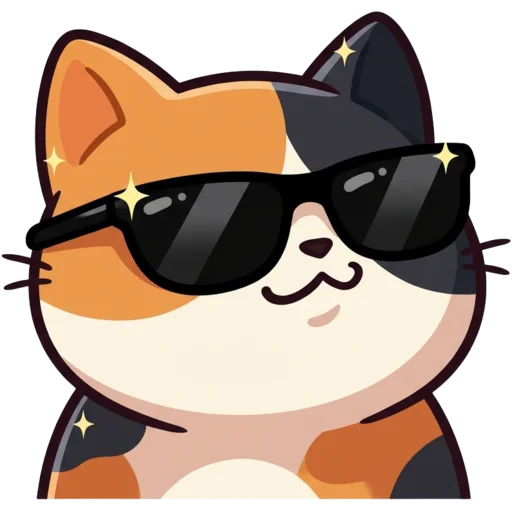
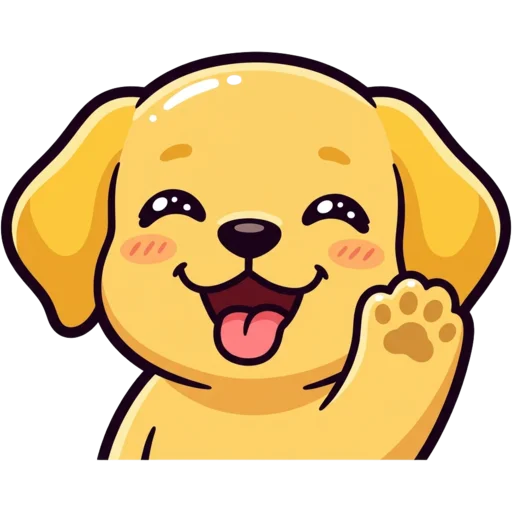
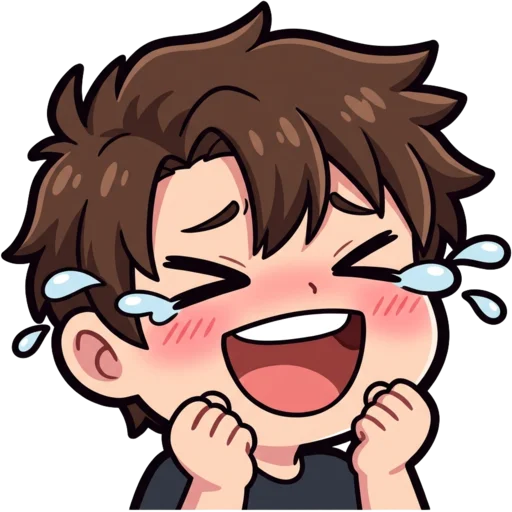
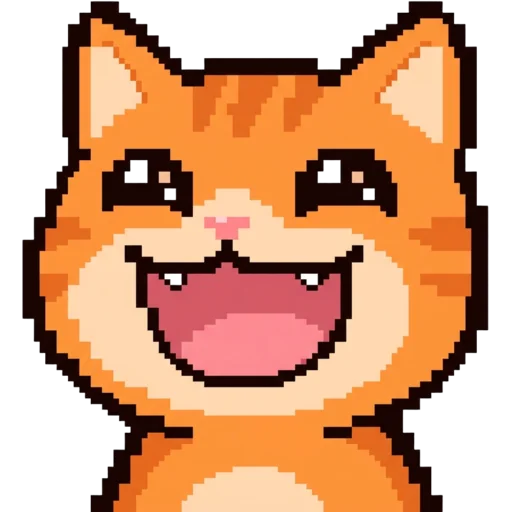
What is an emote maker?
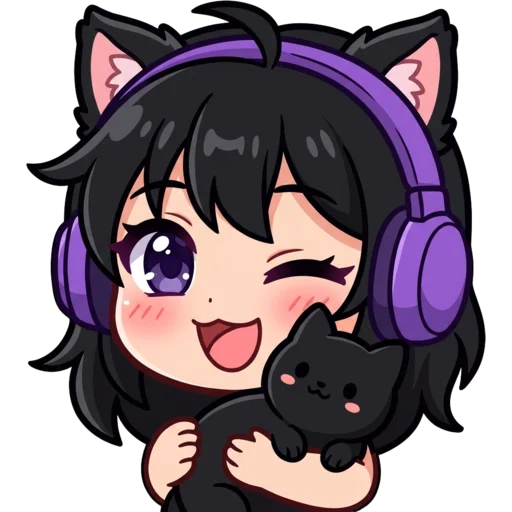
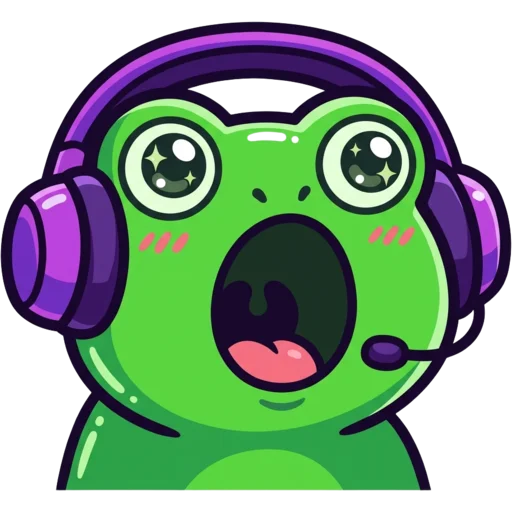
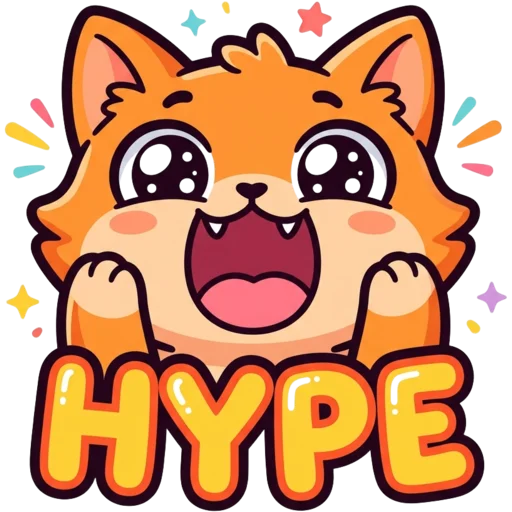
An emote maker is a tool that draws custom emotes: the tiny faces, animals and reaction images your community spams in chat. Every streaming and chat platform has its own rules for them. Twitch wants three square sizes, Discord wants one 128×128 file under 256 KB, and Kick, YouTube, 7TV and BTTV each ask for something slightly different.
This emote maker does both jobs at once. The AI draws the emote from your idea or photo and removes the background. Then your browser resizes it for every platform, with a pixel-perfect mode for the Pixel style so sprites do not go soft. You make one emote and walk away with a file for each place you stream or hang out.
Most emote generators stop at the picture. This one keeps going until the files are ready to upload: it shows the emote at 28 px in a mock chat, lists the KB size of the 112, 56 and 28 px versions, and checks that the corners came out transparent.
How to make an emote with AI
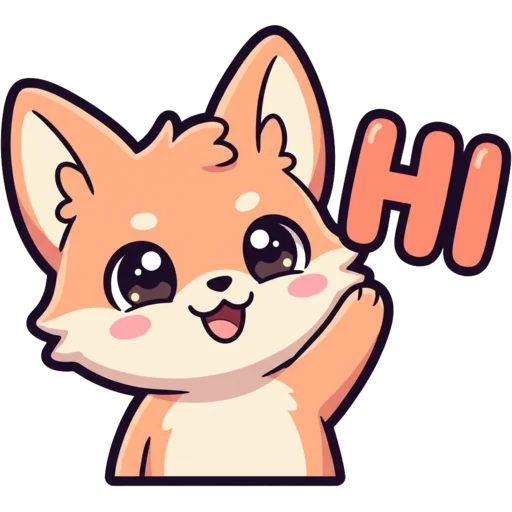
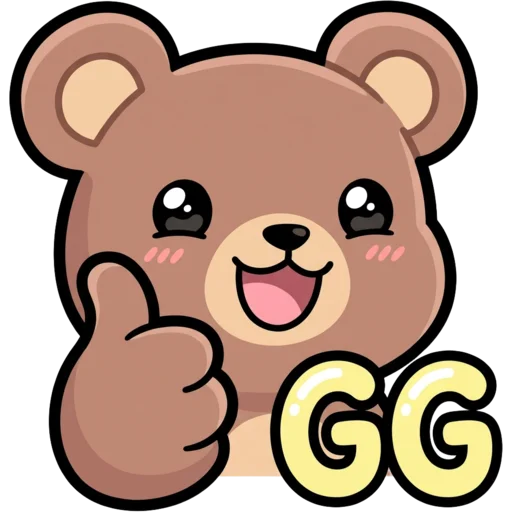
Type what you want in the box at the top, pick a style and press Generate. Most text emotes are ready in 15 to 40 seconds. Good prompts name one character and one emotion: "a sleepy panda hugging a pillow", "a fox giving a thumbs up", "a frog crying with laughter".
The result appears on a checkerboard so you can see the transparent background, in a mock chat at real size, and at 112, 56 and 28 px side by side. If it is not quite right, press Regenerate or tweak the prompt. When you like it, download one platform or grab the full ZIP.
- Keep it to one subject. Two characters fighting for space get lost at small sizes.
- Short text only: "GG", "HI", "LOL". Long words blur at 28 px.
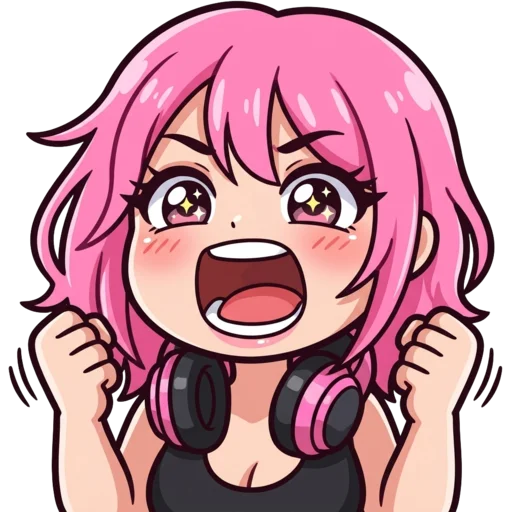
- Say the emotion out loud in the prompt: hype, sad, angry, love, sleepy, shocked.
Emote sizes for every platform
Each platform asks for a different file, and the ZIP covers all of them. The original is a 1024 px transparent PNG; everything else is resized in your browser with light sharpening, so small sizes stay crisp and nothing extra is uploaded.
Need a deeper breakdown? Read the Twitch emote size guide, which also covers badges and why the smallest size matters most.
| Platform | Sizes we export | File limit |
|---|---|---|
| Twitch | 112, 56, 28 px | 1 MB per file |
| Discord | 128×128 px | 256 KB |
| Kick | 1000, 112, 56, 28 px | 1 MB |
| YouTube | 48, 24 px | 1 MB |
| 7TV | 128, 96, 64, 32 px | 7 MB |
| BTTV | 112, 56, 28 px | 1 MB |
Can I use the same emote on Twitch, Discord and Kick?
Yes. An emote you make here is yours, so you can upload it to your Twitch channel, your Discord server and your Kick channel at the same time. Using the same set everywhere is one of the easiest ways to make a small community feel like one place.
For Slack, use the 128 px Discord file: Slack emoji are square too, with a 128 KB file limit, and a 128 px PNG usually fits well under it. If you only care about Discord, the Discord emoji maker page is set up for it from the start.
Make an emote from a photo or your pet
Yes, you can start from a photo instead of text. Upload a selfie on the Photo tab and the AI keeps what makes you recognisable, such as your hair colour, glasses or headphones, and redraws you as a cartoon emote. Tips for picking the right photo are on the photo to emote page.
Have a cat, dog or bunny that already stars on stream? The pet emote maker keeps its fur colours and markings. Photo and pet emotes take a minute or two, because the AI works from your picture instead of a blank page.
Which emote style should I pick?
Pick Cute or Bold Lines if you are not sure, because both use thick outlines and flat colours that hold up at tiny sizes. Pixel fits retro and speedrun channels. Chibi, Kawaii and Anime suit VTubers and cosy streams. 3D gives a glossy toy look, and Meme pushes the reaction for laughing, rage and crying emotes.
You can switch styles and regenerate as often as you like. Keeping one style across the whole set makes the emotes look like a family in chat, which is exactly what the Channel Kit does for you.
What makes a good emote?
A good emote is readable at its smallest size, shows one clear emotion and fits the culture of your chat. Most viewers see emotes at around 28 px, smaller than a fingernail on a phone screen. At that size, fine detail, thin lines and long text disappear, while big faces, bold outlines and strong colours survive.
That is the thinking behind every style here. The AI is told to draw one subject, centred, with thick outlines and a simple shape, and the preview shows it in a mock chat at real size before you download. If something does not read, you find out before your viewers do.
- Emotion first: hype, laugh, cry, love, rage and "hi" are the reactions chat uses most.
- Inside jokes: a catchphrase or running gag from your stream makes an emote feel like yours.
- A recurring character: the same mascot in different moods turns a few emotes into a set.
Is this emote maker free?
Your first emote is free and you do not need an account. After that, each emote costs 30 credits. Credit packs start at $5.99 for 250 credits, are a one-time payment and never expire, so there is no subscription to cancel. Every pack is listed on the pricing page.
Want a whole matching set? The Channel Kit makes six emotes, three sub badges, a PFP, a banner, three panels and an offline screen in one style for $9.99.