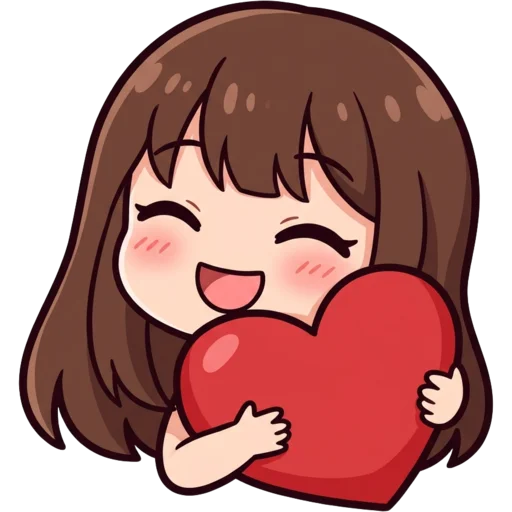
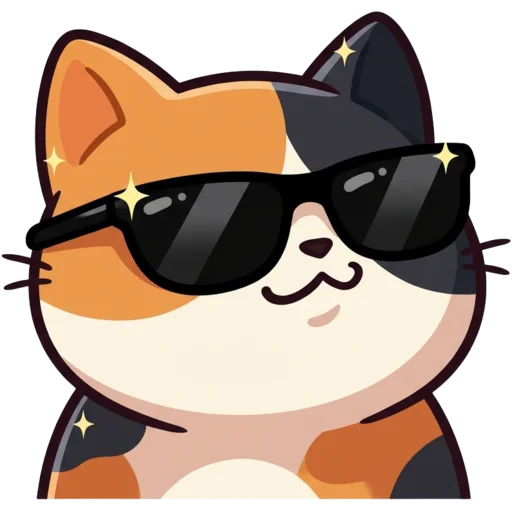
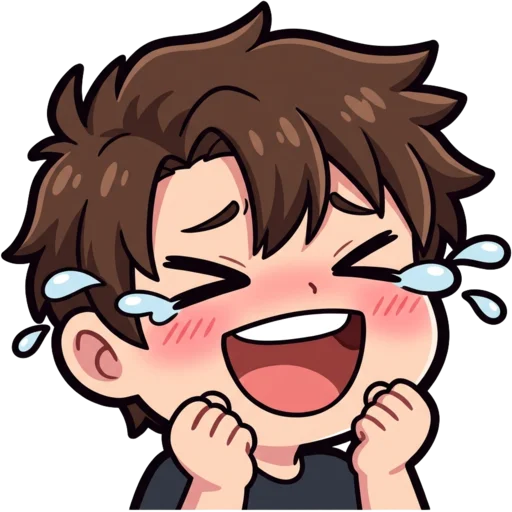
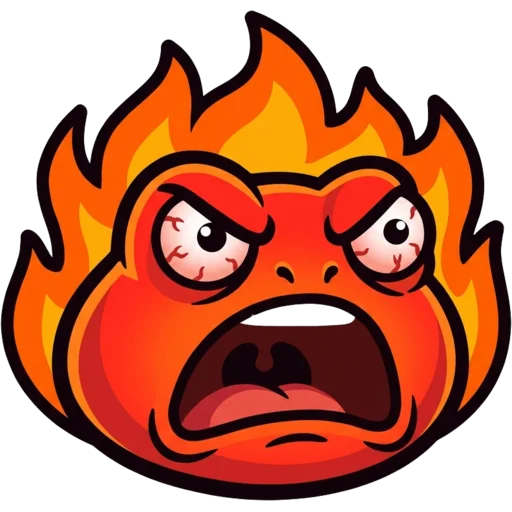
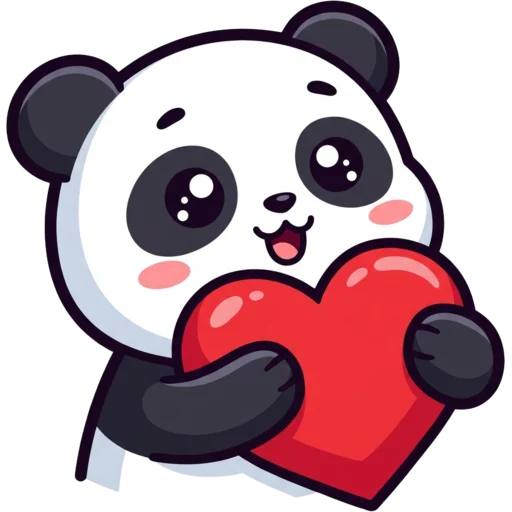
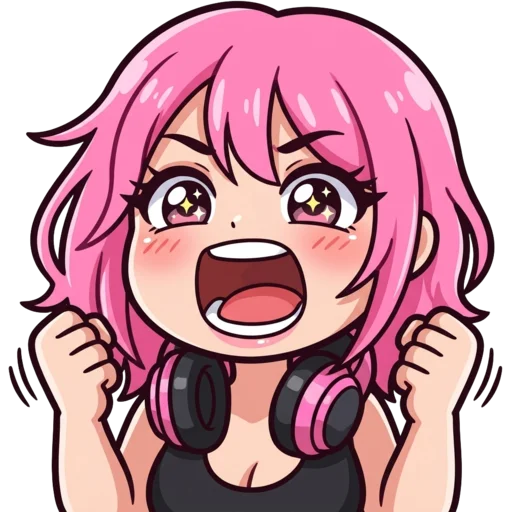
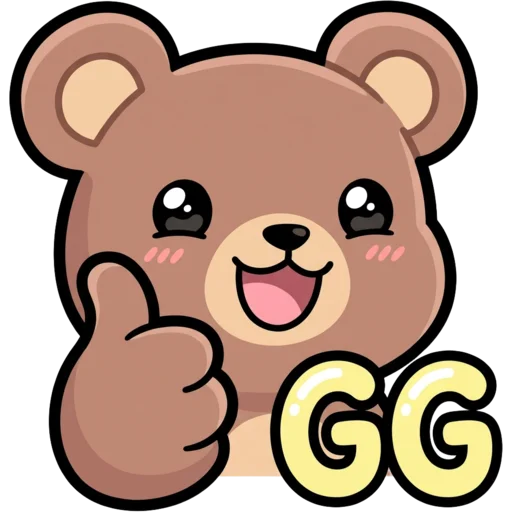
What is a Twitch emote maker?
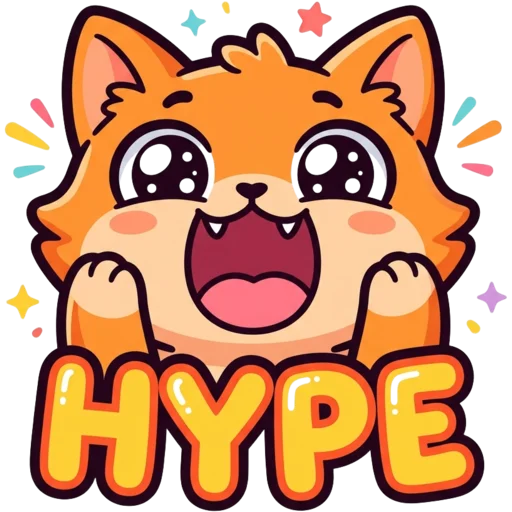
A Twitch emote maker is a tool that creates the small images your viewers type in chat: a hype face, a laughing cat, a "GG" sign. Twitch asks for every emote in three square sizes, 112×112, 56×56 and 28×28 pixels, as PNG or GIF files under 1 MB, and most of the time the 28 px version is what people actually see.
Commissioning an artist means paying per emote and waiting for sketches and revisions. Here you describe the emote, pick one of eight styles and get a transparent image you can upload the same minute. The part a general image generator skips is the check at the end. Next to each result you see it at 28 px inside a mock chat, the 112, 56 and 28 px files with their size in KB, and a note on whether the corners came out transparent. If any of that looks off, you know before Twitch or your viewers do.
How to make a Twitch emote with AI
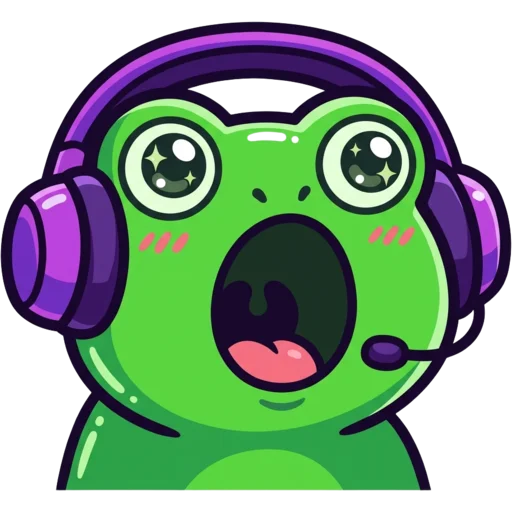
Type your idea in the box at the top of the page. Short and specific works best: "a green frog wearing headphones, screaming POG", "an orange cat crying big tears", "a tiny knight holding a GG sign". Choose a style, then press Generate. A text emote usually takes 15 to 40 seconds.
When it is ready you see it large on a checkerboard (that means the background is transparent), in a mock chat at its real 28 px size, and at 112, 56 and 28 px side by side. Download one platform or press "Download all sizes" to get a ZIP with the original 1024 px PNG and every size for Twitch, Discord, Kick, YouTube, 7TV and BTTV.
- Describe one character and one emotion. Emotes with a single clear idea read better in chat.
- Add words only if they are short. "GG", "HI" or "POG" work; full sentences turn to mush at 28 px.
- Not quite right? Press Regenerate for a new take, or edit the prompt and try again.
Turn your photo or your pet into an emote
Streamers often want emotes that look like them. Switch to the Photo to Emote tab, upload a clear selfie, and add the expression you want, such as "winking with a thumbs up". The AI keeps the things people recognise you by, like your hair colour, glasses, beard or headphones, and redraws you as a cartoon emote. See photo to emote for tips on which photos work best.
Pet to Emote does the same for your cat, dog or bunny, keeping its fur colours and markings. A channel mascot based on your real pet is one of the easiest ways to make your emotes feel personal. Photo emotes can take a minute or two because the AI works from your picture.
Eight emote styles
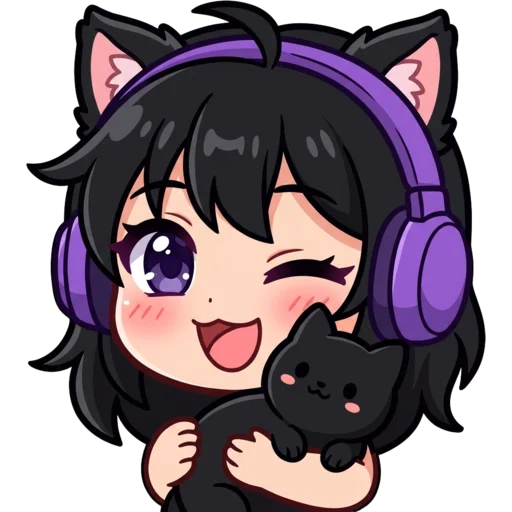
There are eight styles: Cute, Chibi, Pixel, 3D, Meme, Bold Lines, Kawaii and Anime. Each one is tuned for small sizes with thick outlines, big heads and flat colours. Cute and Bold Lines are the safest choices for sub emotes. Pixel suits retro and speedrun channels, Chibi and Anime suit VTubers and cosy streams, 3D gives a vinyl-toy look, Kawaii adds pastel colours and blush, and Meme exaggerates the reaction for LUL and rage emotes.
| Style | Looks like | Good for |
|---|---|---|
| Cute | Rounded cartoon sticker | Hype, love and wave emotes |
| Chibi | Huge head, tiny body | Streamer avatars, VTubers |
| Pixel | Crisp 32×32 pixel art | Retro and speedrun channels |
| 3D | Glossy vinyl toy | Mascots, standout badges |
| Meme | Exaggerated reaction face | LUL, rage and cry emotes |
| Bold Lines | Extra-thick outlines, pastel fill | Anything that must read at 28 px |
| Kawaii | Pastels, blush, sparkly eyes | Cosy and art streams |
| Anime | Clean cel shading | Anime and gaming channels |
Twitch emote size requirements
Twitch emotes must be three square PNG or GIF files: 112×112, 56×56 and 28×28 pixels, each under 1 MB. You can also upload one large image (up to 4096 px) and let Twitch resize it, but small details often blur when it does. Our exports are resized in your browser with light sharpening on the small sizes, so they stay crisp. The full breakdown, including badges and channel points, is in the Twitch emote size guide.
Already have an emote that is the wrong size? Use the free Twitch emote resizer. It runs in your browser and never uploads your file.
More than emotes
Yes, the same tool makes sub badges at 72, 36 and 18 px, profile pictures, Twitch banners sized 1200×480, and mascot logos. If you want everything to match, the Channel Kit makes six emotes, three badges, a PFP, a banner, three panels and an offline screen in one style for $9.99.
Emotes made here work on Discord, Kick, YouTube, 7TV and BTTV too. The export ZIP includes the right size for each.
Pricing: free to start
Your first emote is free, with no sign-up and no card. After that you pay with credits: an emote, sub badge or PFP costs 30 credits, a banner or logo 40. Credit packs start at $5.99 for 250 credits (about 8 emotes), are a one-time payment and never expire. That works out to roughly $0.62 to $0.72 per emote. See pricing for every pack.
Will Twitch approve AI emotes?
Yes, Twitch accepts AI-made emotes as long as the content follows its rules. It reviews what an emote shows, not how it was drawn. Emotes must not include hate speech, sexual content, violence, or other people’s trademarks and likeness. Our prompt filter rejects requests like that before anything is generated, but you are still responsible for what you upload. Affiliates and Partners in good standing are often approved automatically. Newer channels may wait a few days for a manual review, so upload the emote you want live first.